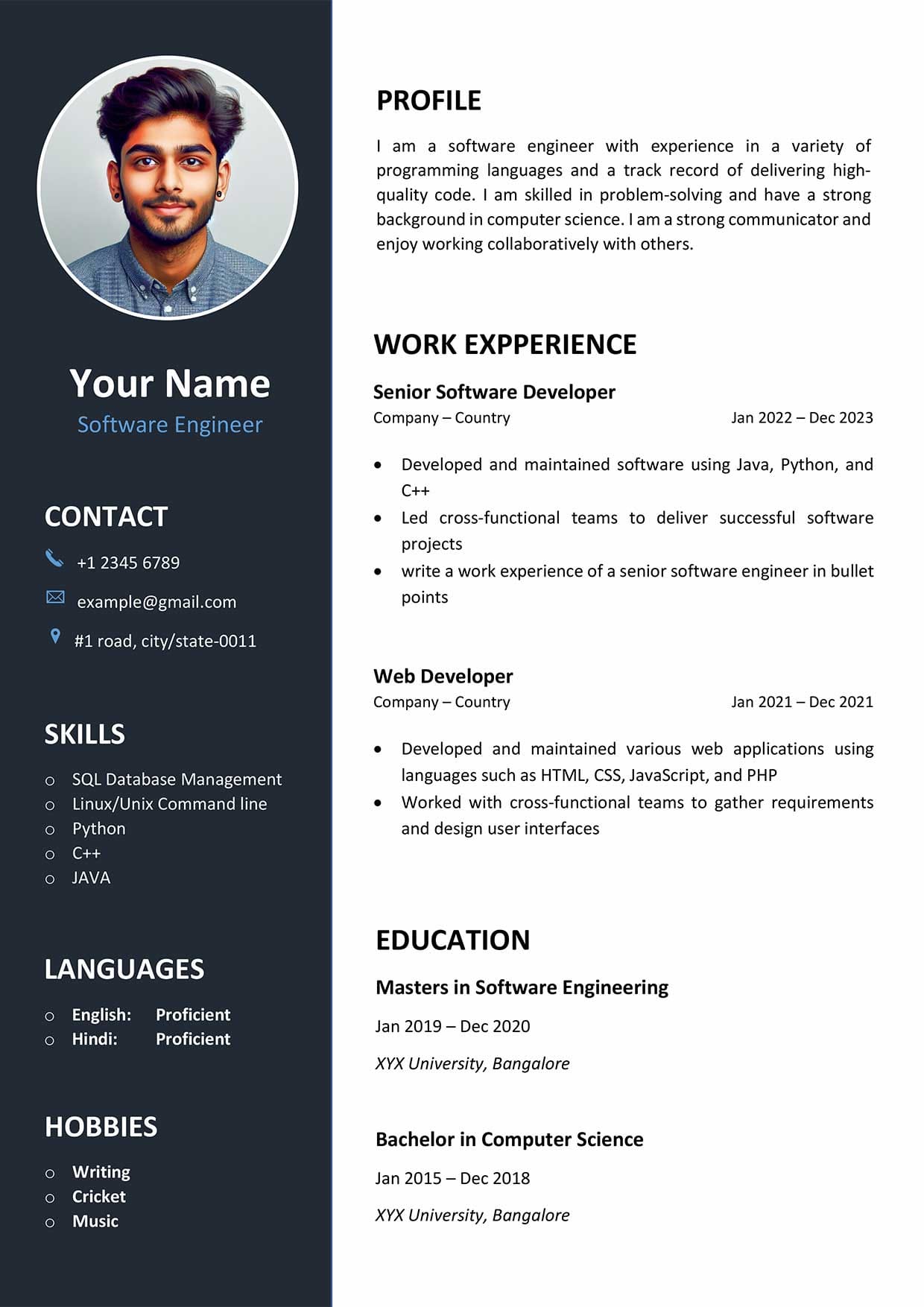
In today’s competitive job market, having a well-crafted resume is essential to stand out from the crowd. This is especially true in the field of Information Technology (IT), where employers are looking for candidates with specific skills and experiences. Crafting the perfect IT resume can be a daunting task, but with the right guidance, you can create a resume that highlights your strengths and impresses potential employers.
What is an IT Resume?
An IT resume is a document that showcases your skills, experiences, and qualifications relevant to the field of Information Technology. It serves as a snapshot of your professional background and allows employers to quickly assess whether you are a good fit for the job. A well-written IT resume should highlight your technical skills, relevant work experience, certifications, and education.
When crafting your IT resume, it’s important to tailor it to the specific job you are applying for. This means highlighting the skills and experiences that are most relevant to the position and customizing your resume to match the job description.
Why is an IT Resume Important?
Your resume is often the first impression you make on a potential employer, so it’s crucial to make it count. In the competitive field of IT, a well-written resume can make the difference between landing an interview and getting passed over. An effective IT resume can showcase your technical skills, demonstrate your experience, and highlight your qualifications, setting you apart from other candidates.
Employers use resumes to assess whether a candidate has the skills and experience necessary to excel in the role. By crafting a strong IT resume, you can demonstrate your value to potential employers and increase your chances of securing the job.
What to Include in Your IT Resume
When crafting your IT resume, there are several key sections that you should include to ensure it effectively highlights your skills and experiences. These sections typically include:
1. Contact Information
Include your name, phone number, email address, and LinkedIn profile (if applicable) at the top of your resume.
2. Professional Summary
A brief overview of your skills, experiences, and career goals.
3. Skills
Highlight your technical skills and expertise, including programming languages, software applications, and certifications.
4. Work Experience
Detail your relevant work experience, including job titles, companies worked for, and key responsibilities and achievements.
5. Education
List your educational background, including degrees earned, institutions attended, and any relevant coursework or projects.
6. Certifications
Include any relevant certifications or licenses you have obtained, such as CompTIA, Cisco, or Microsoft certifications.
7. Projects
Highlight any relevant projects you have worked on, including descriptions of the project, your role, and the technologies used.
8. Awards and Honors
Mention any awards, honors, or recognition you have received in the field of IT.
9. Professional Affiliations
Include any memberships in professional organizations or associations related to IT.
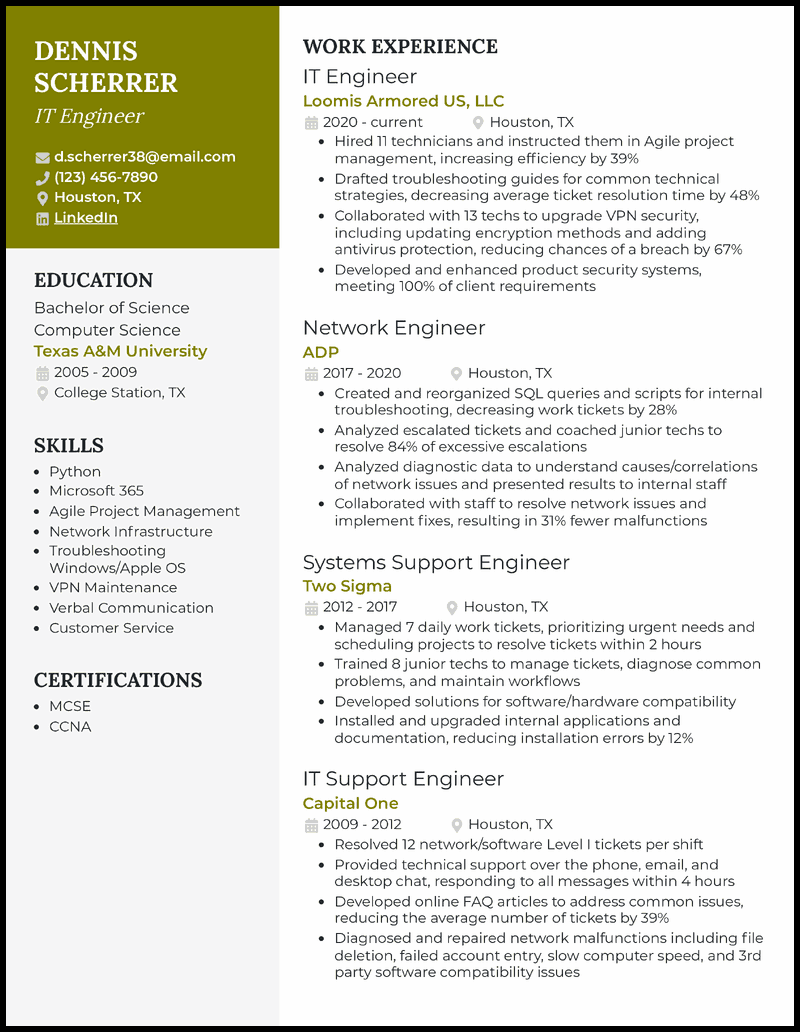
How to Format Your IT Resume
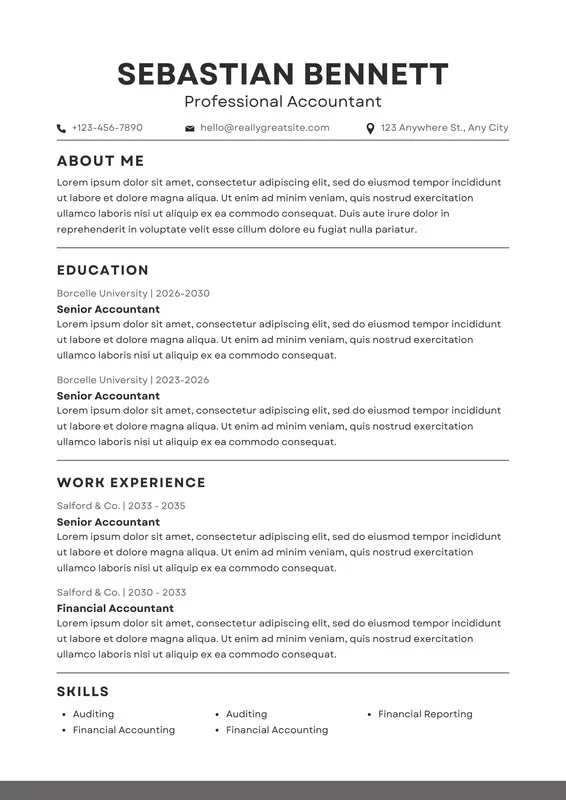
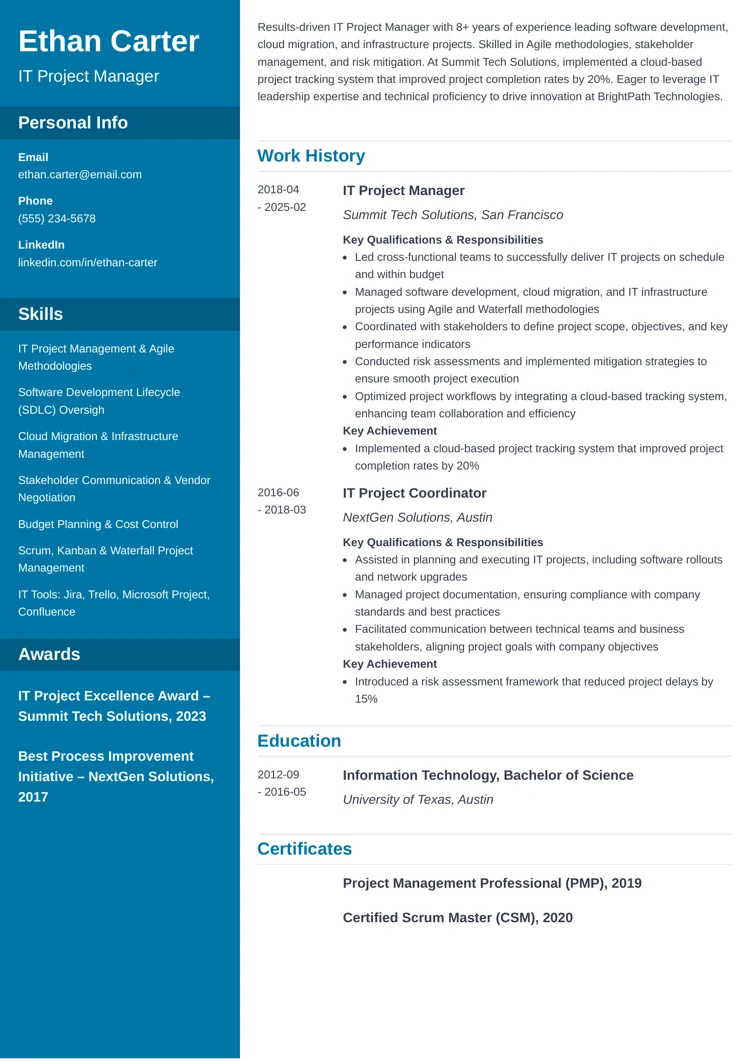
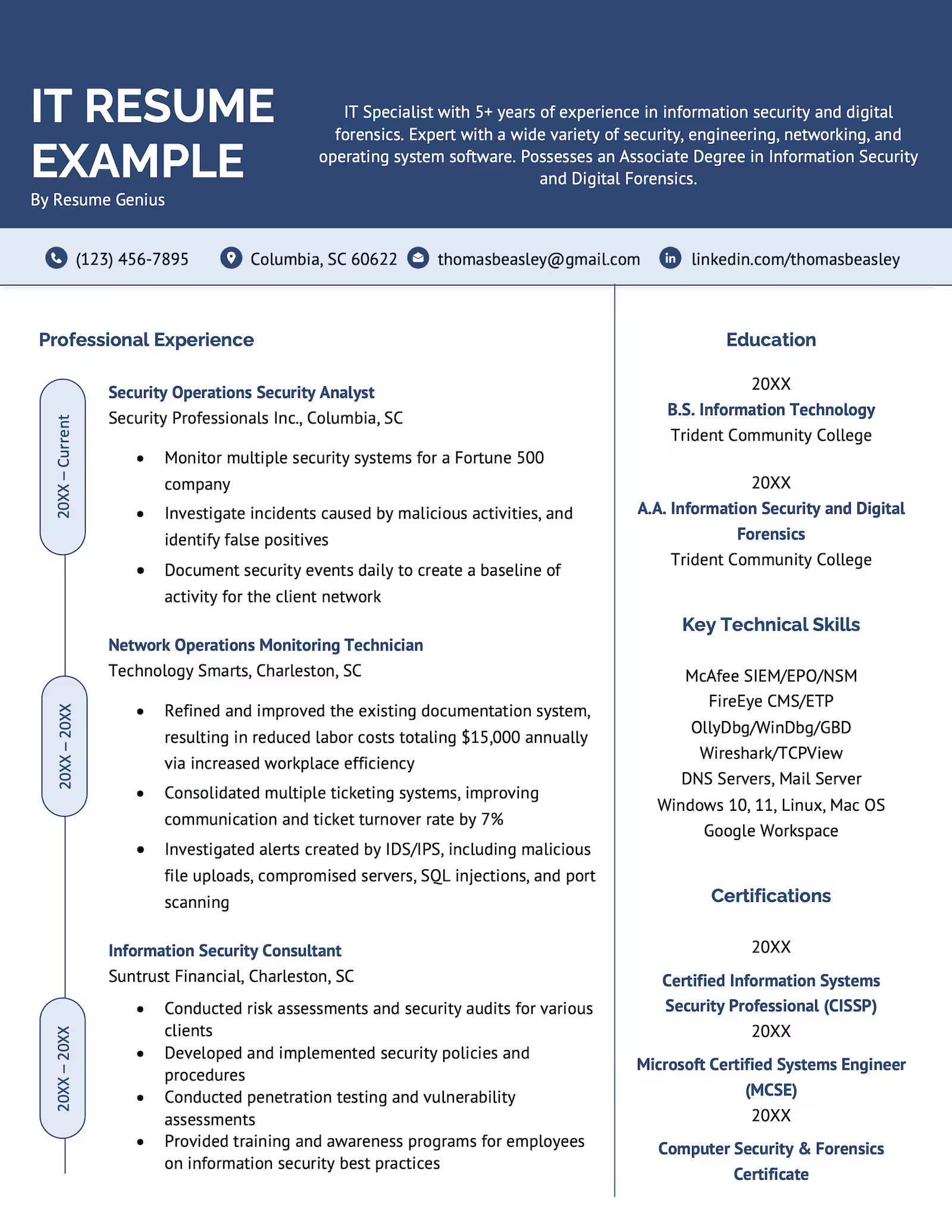
When formatting your IT resume, it’s important to keep it clean, organized, and easy to read. Use a professional font, such as Arial or Calibri, and stick to a standard font size (10-12 points) throughout the document. Be sure to use bullet points to list your key responsibilities and achievements, and use bold or italics to highlight important information.
Make sure to customize your resume for each job application by tailoring your skills and experiences to match the job description. Use keywords from the job posting to ensure your resume gets past applicant tracking systems (ATS) and into the hands of hiring managers.
Tips for a Successful IT Resume
- Quantify Your Achievements: Use numbers and metrics to quantify your accomplishments, such as increasing efficiency by a certain percentage or completing a project under budget.
- Use Action Verbs: Start each bullet point with a strong action verb to showcase your accomplishments and responsibilities.
- Keep it Concise: Aim for a resume length of 1-2 pages and only include information that is relevant to the job you are applying for.
- Proofread Carefully: Double-check your resume for spelling and grammatical errors, and have someone else review it for feedback.
- Update Regularly: Keep your resume up to date with your latest skills, experiences, and certifications to ensure it reflects your current qualifications.
- Seek Feedback: Ask for feedback from mentors, colleagues, or professional resume writers to improve the quality of your resume.
- Customize for Each Job: Tailor your resume for each job application by highlighting the skills and experiences that are most relevant to the position.
Crafting the perfect IT resume takes time and effort, but by following these tips and guidelines, you can create a resume that effectively showcases your skills and experiences. Remember to keep it concise, relevant, and tailored to the job you are applying for to increase your chances of landing your dream IT job.
